Handy
Control Handy speech-to-text: transcription history, dictionary, model selection, and recordingHandy for Raycast
Control Handy — offline speech-to-text — directly from Raycast.
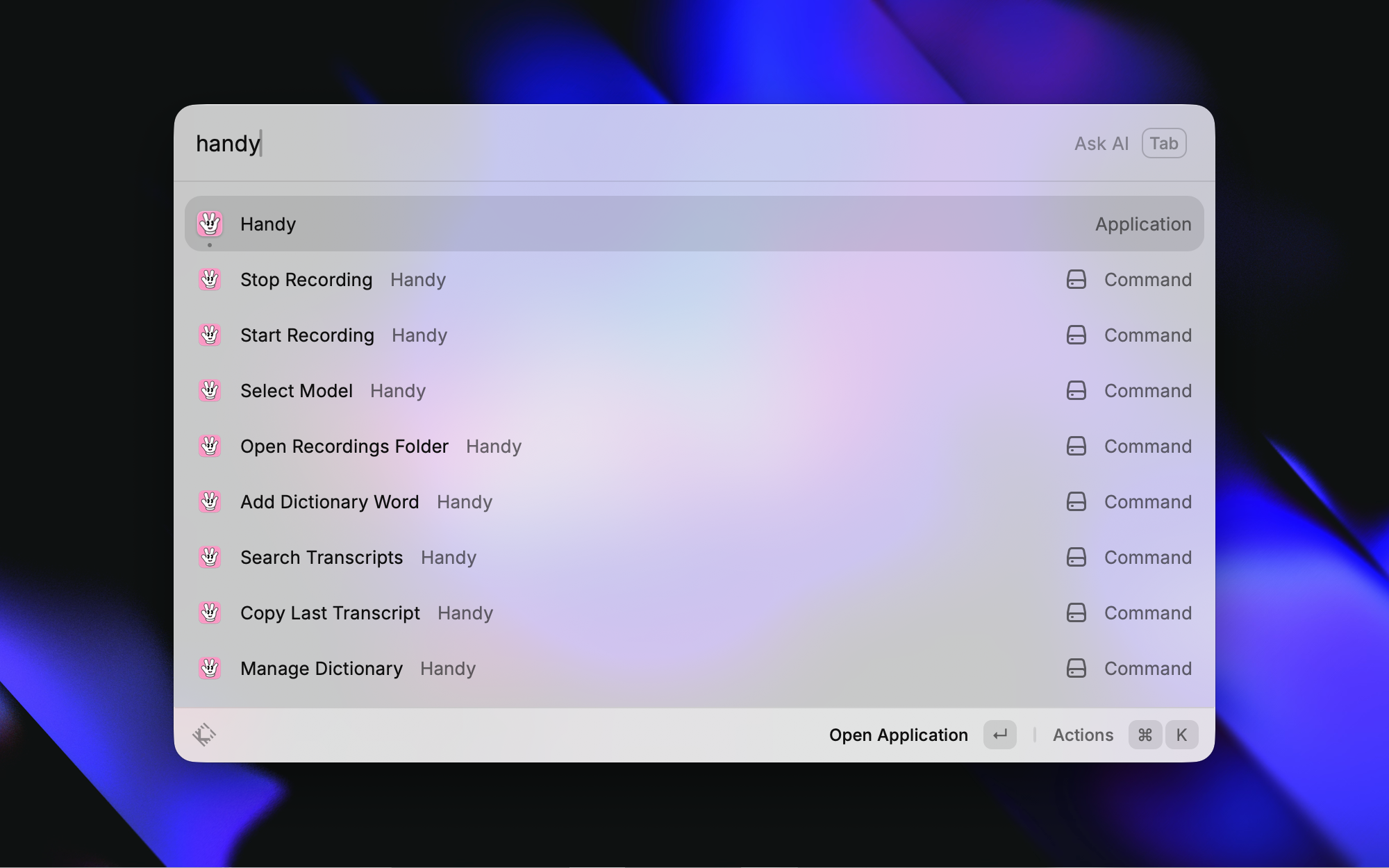
Commands
| Command | Description |
|---|---|
| Toggle Recording | Toggle Handy's transcription recording on/off |
| Copy Last Transcript | Copy the most recent transcription to clipboard |
| Paste Last Transcript | Paste the most recent transcription into the active app |
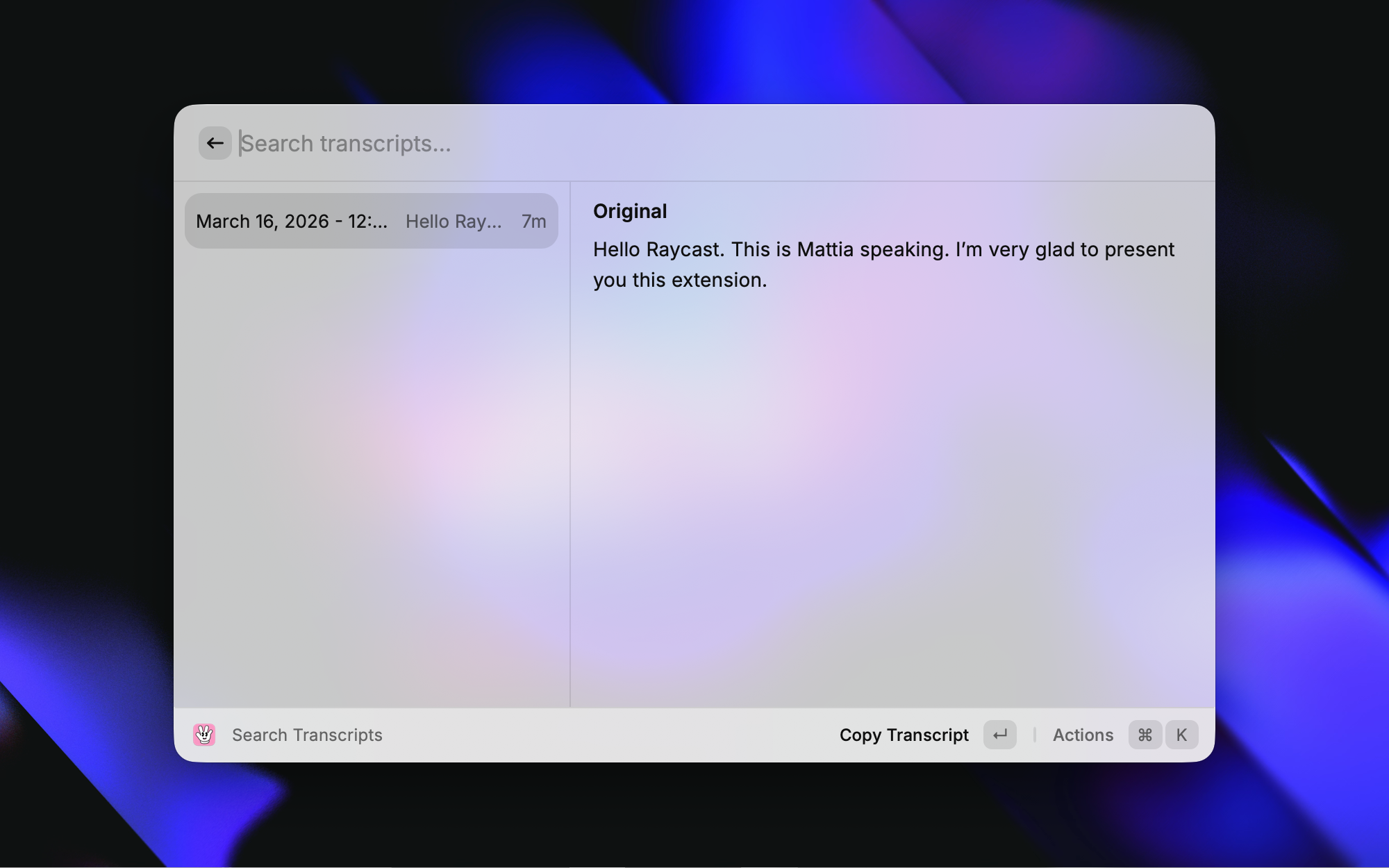
| Search Transcripts | Browse history, copy, save, delete, reveal recordings |
| Add Dictionary Word | Quickly add a word to Handy's custom dictionary |
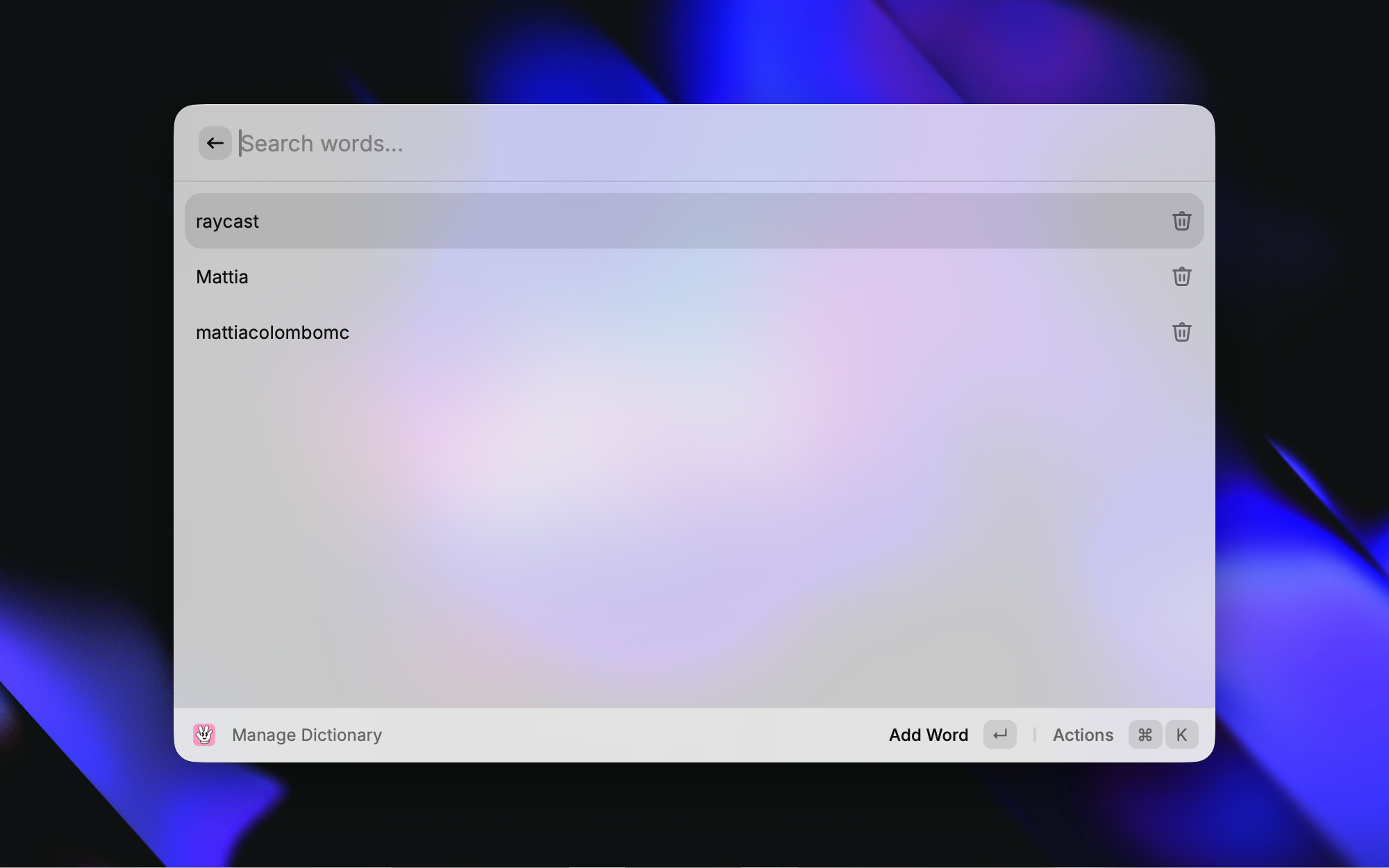
| Manage Dictionary | View, add, and delete custom dictionary words |
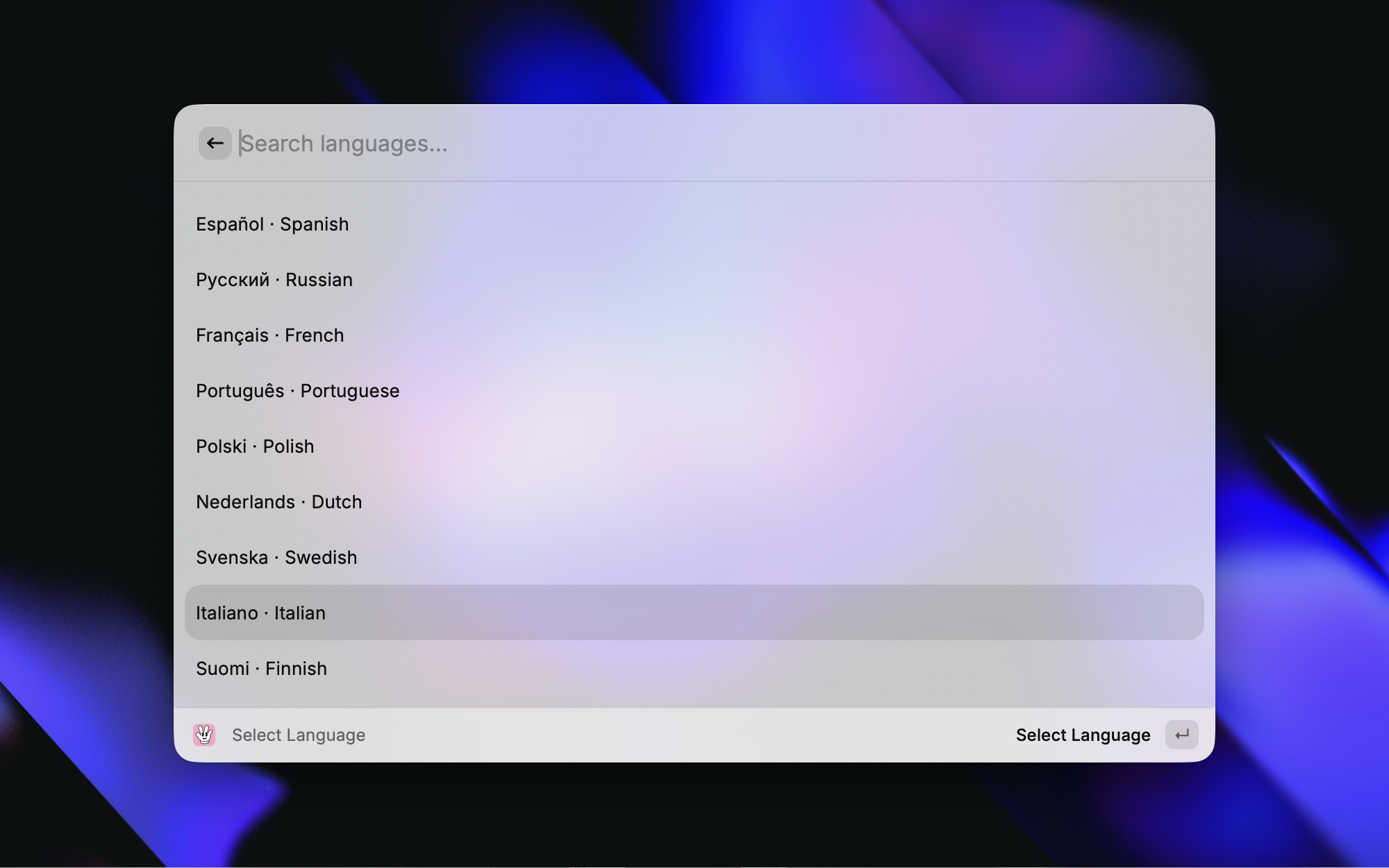
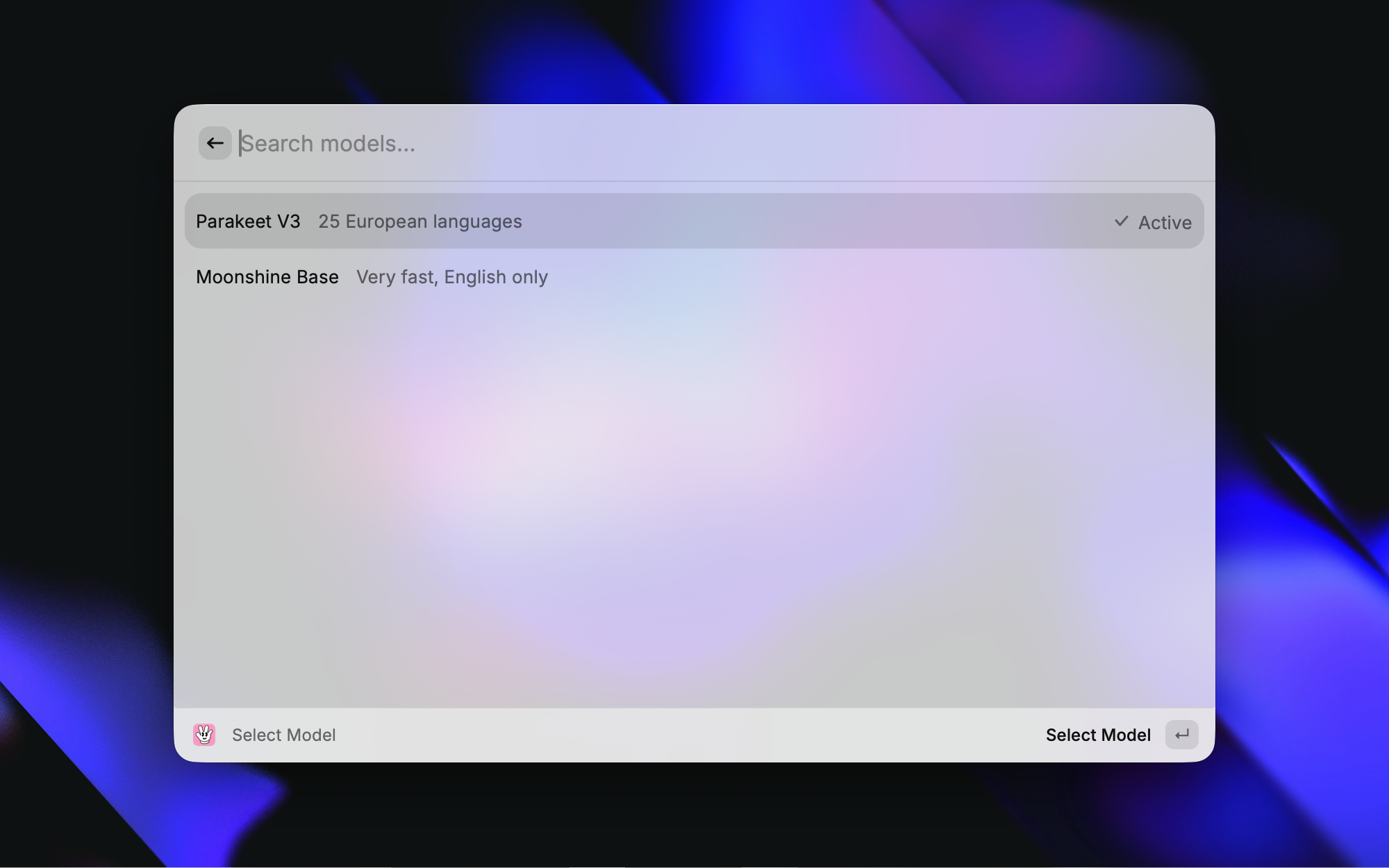
| Select Model | Switch the active transcription model |
| Open Recordings Folder | Open the recordings directory |
Screenshots
Setup
- Install and launch Handy
- In Raycast Preferences → Extensions → Handy, set Handy Binary Path if Handy is not installed at the default location (
/Applications/Handy.app/Contents/MacOS/Handy)
Requirements
- macOS
- Handy installed and configured with at least one downloaded model
Development
Updating the catalog
src/lib/catalog.json is a trimmed copy of Handy's model catalog, used to give
downloaded models friendly names and language capabilities. Regenerate it from
Handy's source of truth when new models ship:
node -e "const c=require('/path/to/Handy/src-tauri/src/catalog/catalog.json'); require('fs').writeFileSync('src/lib/catalog.json', JSON.stringify(c.models.map(m=>({id:m.id,name:m.name,description:m.description,languages:m.languages})), null, 2)+'\n')"
Unknown models still appear (discovered from disk) with a name derived from their repo slug, so the extension keeps working even when the catalog is out of date.
Contributors1
Categories
Source code
